How to add a User into Considered location information
1. Navigate to https://app.edcforge.com/dashboard
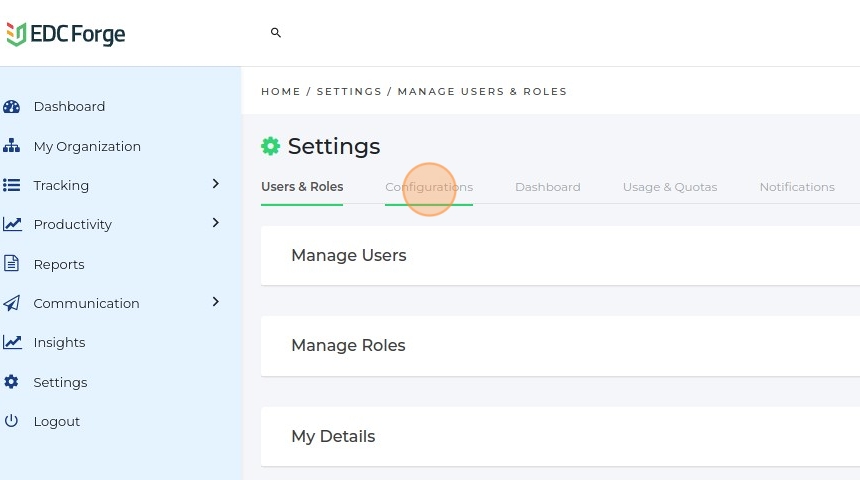
2. Click "Settings"

3. Click "Configurations"
4. Click "Considered Locations"

5. Click "Three Icon".
Click "Edit"

6. Click here.

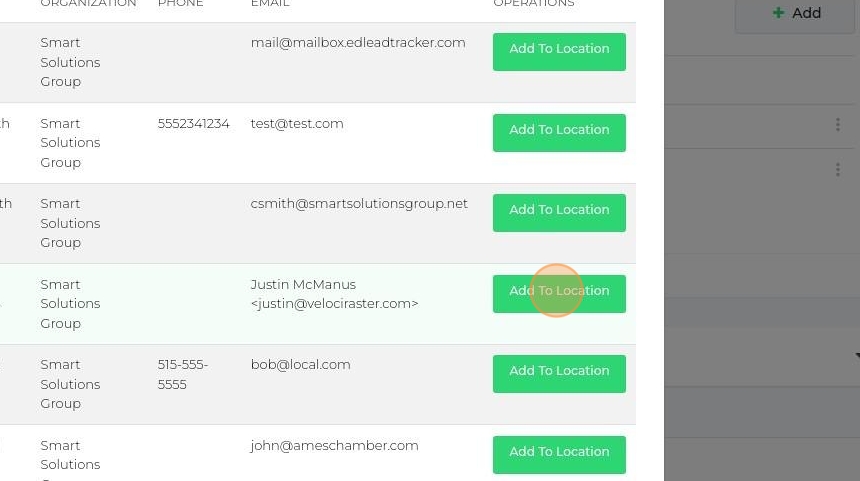
7. Click "Add To Location"